




Proxmox VE
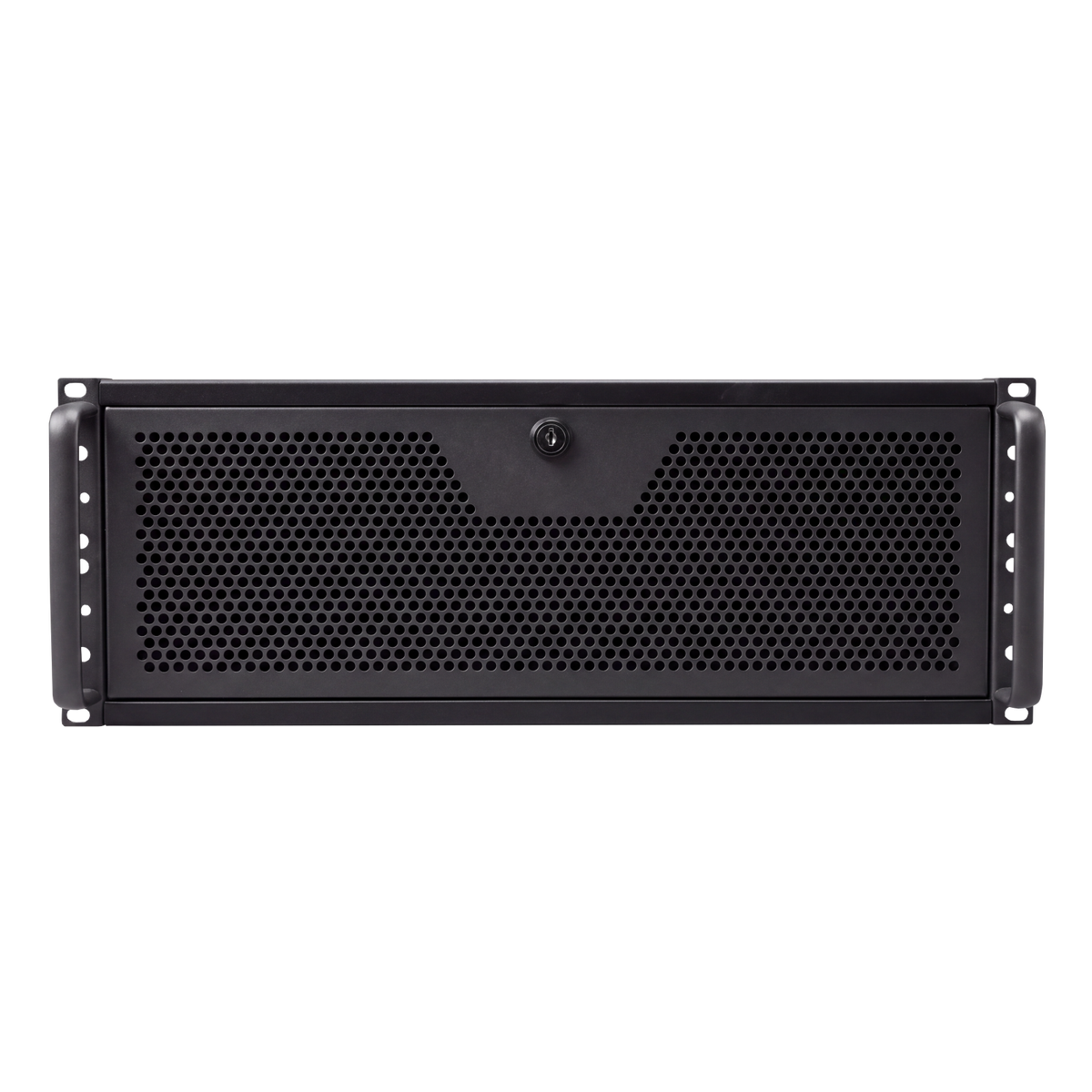
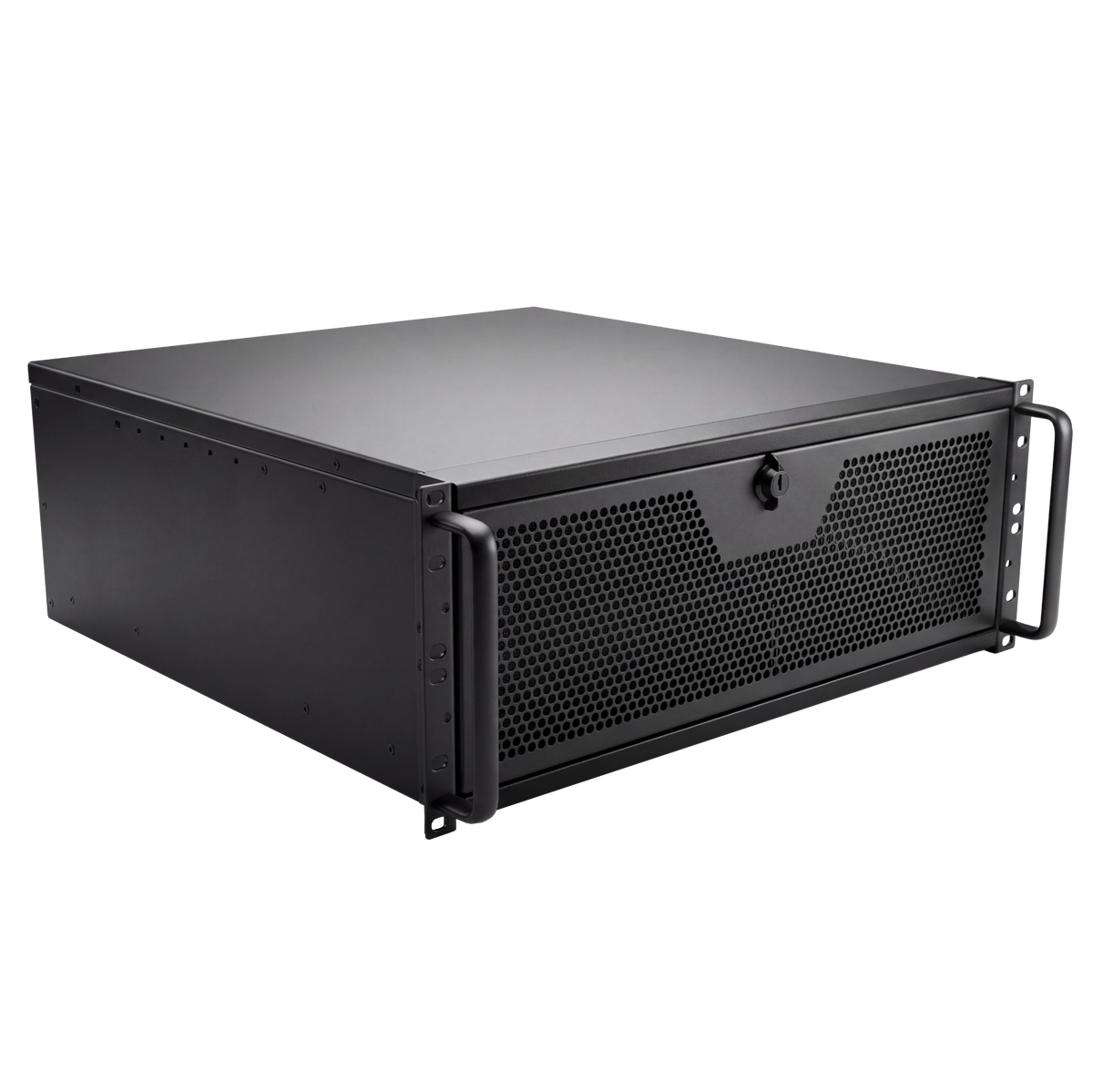


Give software builds, engineering calculations and virtual machines a place to run in the server room. It’s built for jobs that need a lot of processor time and memory. Your team can manage it remotely, and it ships with Proxmox VE for running virtual machines.

Handles Resource Intensive Software

Stress-Tested for Proven Stability

Engineered for 24/7 Reliability
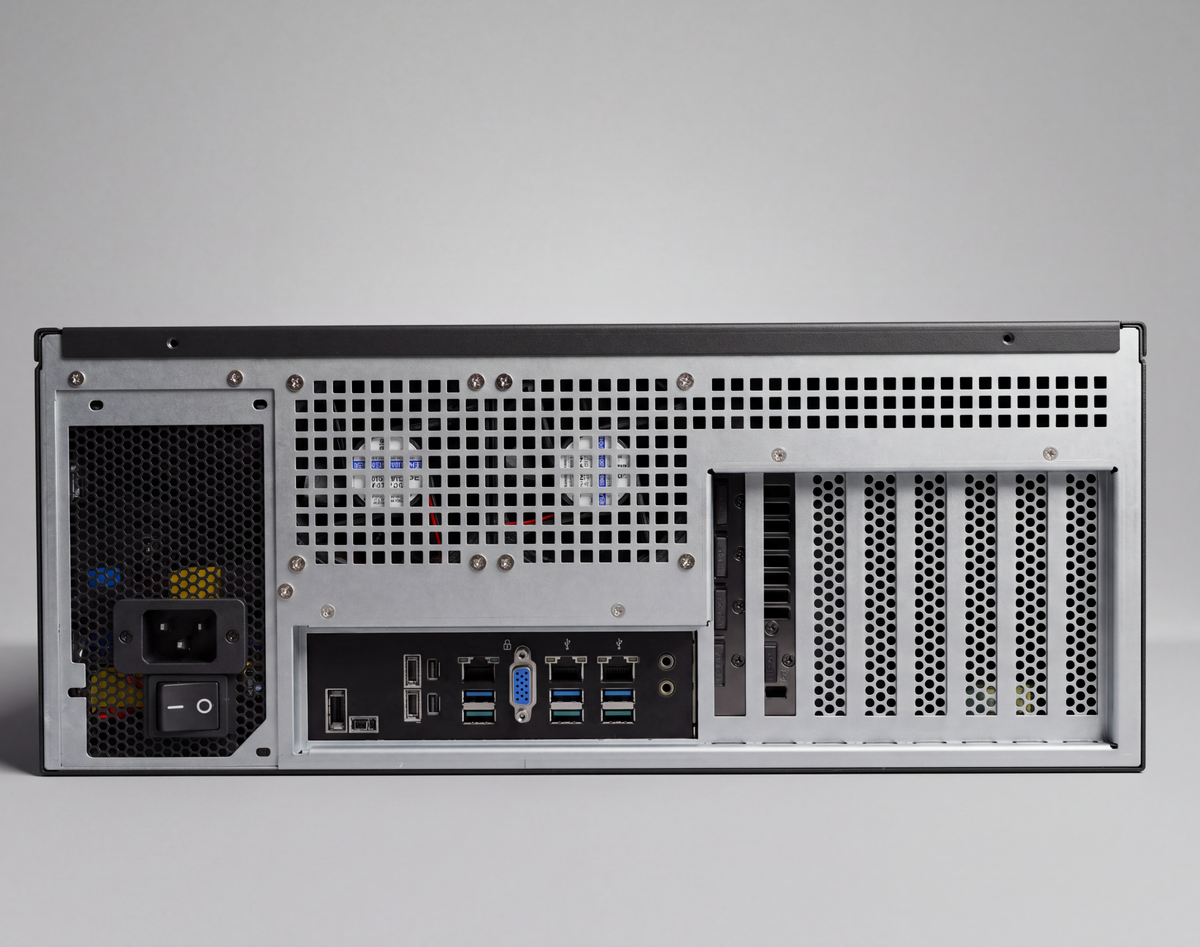
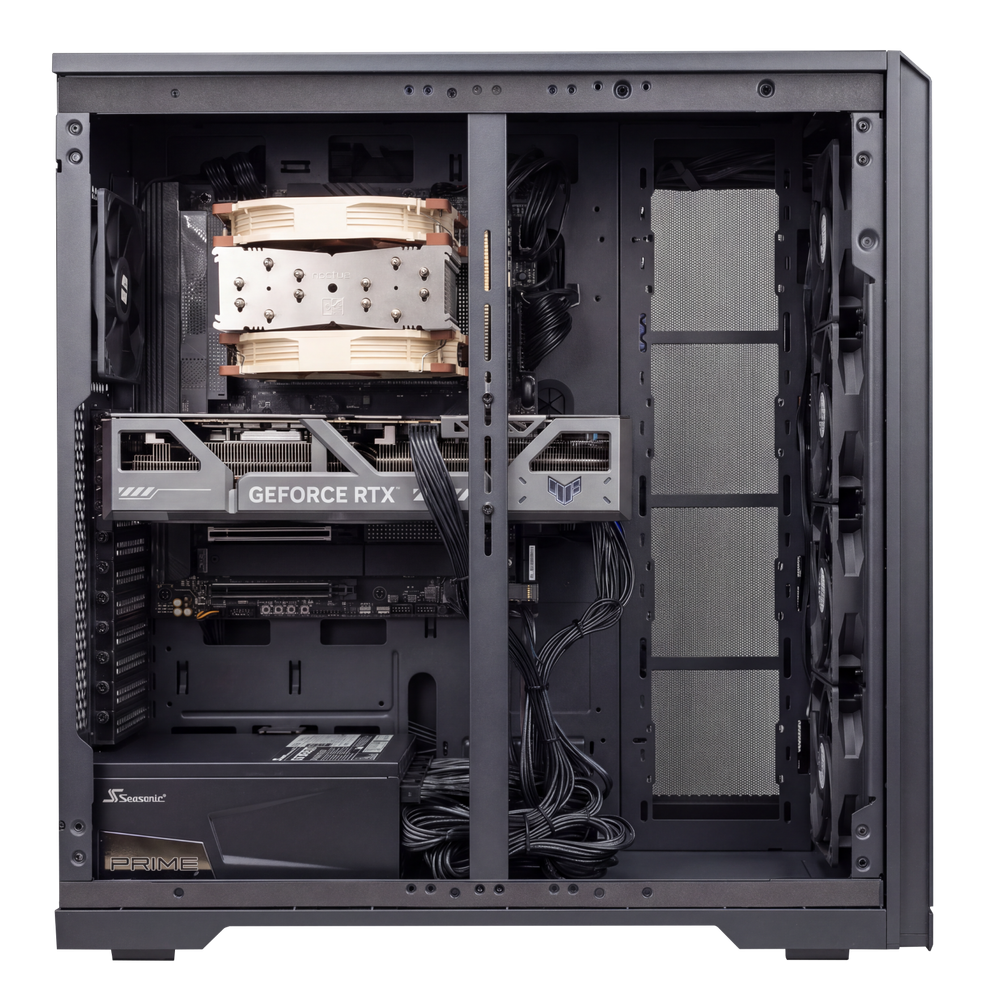
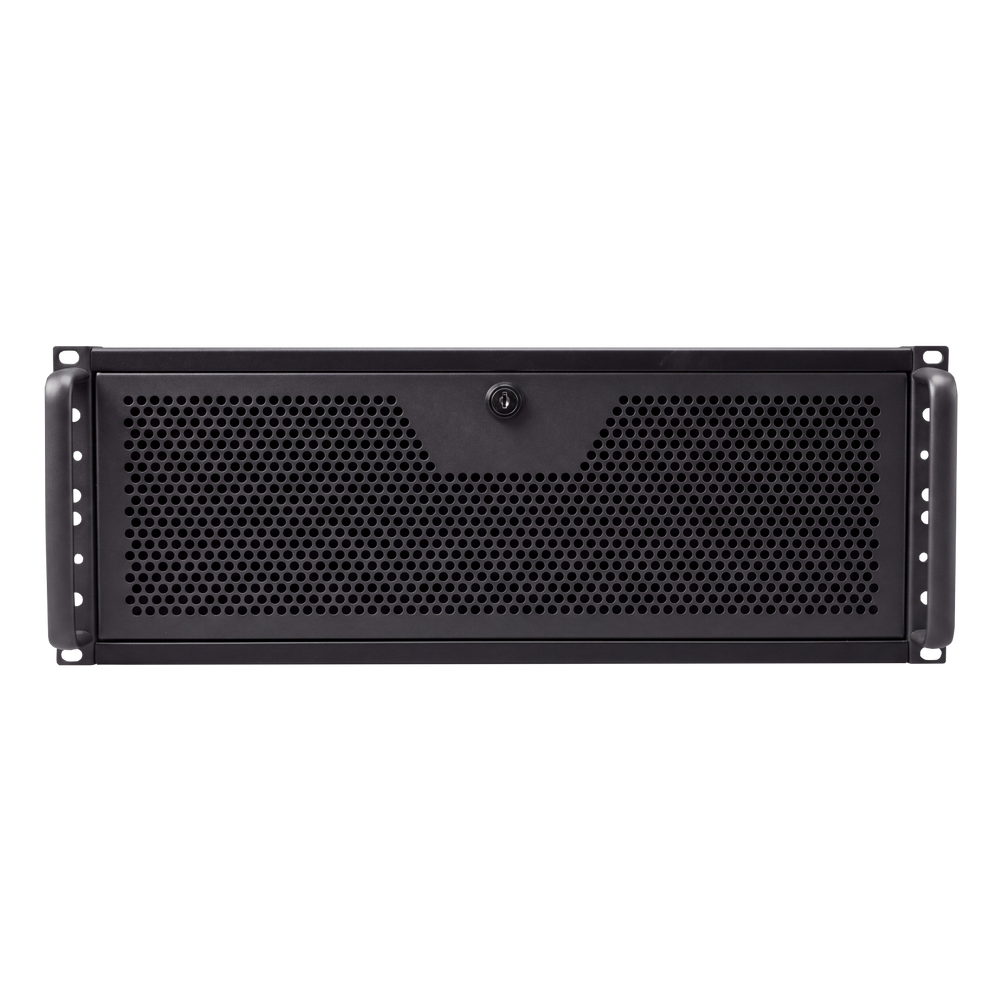
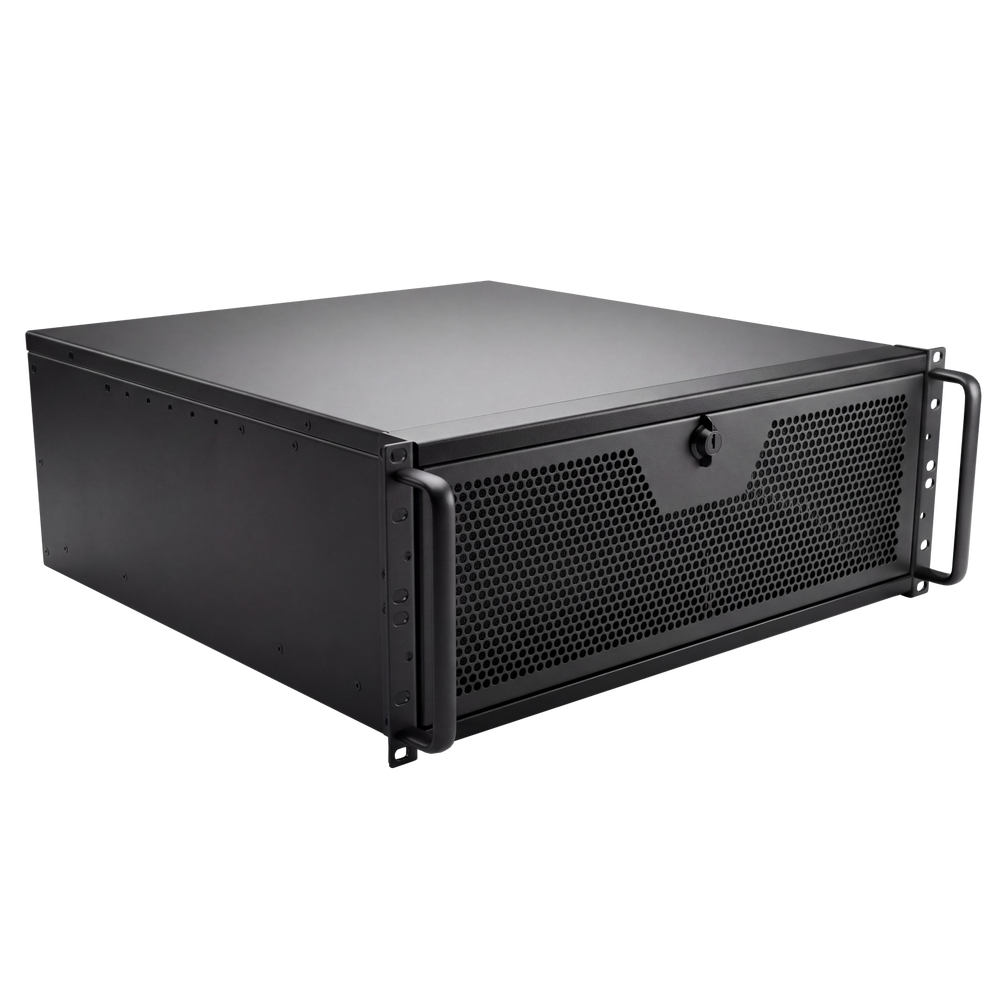
Infinity Enterprise — Rack Compute & Virtualization Host 4U is built for engineering firms, research groups and development teams that need CPU compute in the rack. The 64-core AMD Ryzen Threadripper PRO 9985WX runs on the ASUS Pro WS WRX90E-SAGE SE with 256GB of DDR5 (≥6000MHz) ECC registered memory across eight channels, for Proxmox VE virtualization, CPU solver batches and build servers.
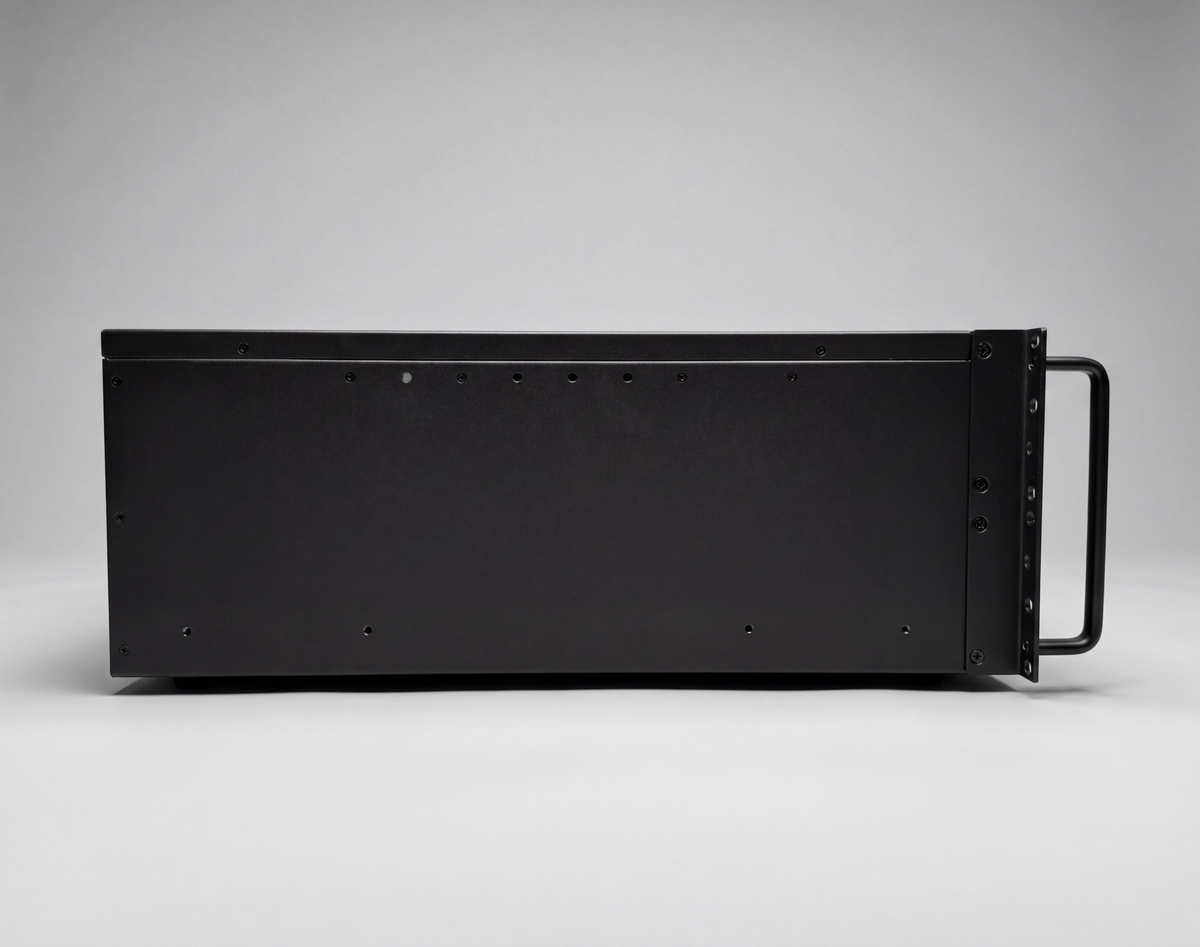
No discrete GPU is fitted: the board's onboard BMC graphics provide the console, with BMC / IPMI remote management. Two 4TB PCIe 5.0 NVMe drives, dual 10GbE, a 360 mm liquid cooler for the sTR5 socket and a 1600W 80+ Titanium supply sit in a SilverStone RM44 4U rackmount chassis. Ships with Proxmox VE; Windows Server is available by quote. Configured and quoted per project; built and tested in Ontario.
Built to order — quoted. Specifications and final pricing are confirmed by quote.
Software licences and subscriptions are not included unless listed in the configuration.
Your workstation is assembled, configured, and tested with the hardware and operating system listed for this configuration. See Included in the Box for the supplied accessories.
See the detailed specifications below for the processor, graphics, memory, storage, motherboard, networking, cooling, and operating system supplied with this workstation.
Build lead times are listed in the product description. Directly purchasable workstations include free economy shipping with no minimum order. Express delivery is available at checkout. Shipping for quote-only systems is confirmed with your quote. Packed shipping dimensions and weights include the computer, protective packaging, and outer box.
Includes a 3-year hardware warranty and lifetime technical support. Contact Infinity Computers for help with your workstation.
Trusted by businesses across Canada


Schedule a one-on-one consultation with an expert to discuss your goals and receive recommendations tailored to your workflow and budget.
Eliminate slow rendering, system bottlenecks, and production delays
Proxmox VE

Docker

OpenZFS (VM storage)

Veeam Backup & Replication

Windows Server 2025 / Hyper-V (by quote)

Kubernetes (kubeadm cluster in VMs)

GitLab Runner

Jenkins (CI build server)

Ansys Mechanical / Fluent (CPU solver node)

COMSOL Multiphysics (batch)

MATLAB + Parallel Computing Toolbox

OpenFOAM

Blender Cycles (CPU render node)
“He is knowledgeable on all matters IT”
“Dealing with Ryan was an absolute pleasure. He is diligent with his communications, knowledgeable on all matters IT, budget conscious, professional and polite.”
 Tom Beach
“Fast service, great communication, and good price”
“I had Ryan put together a business workstation. Fast service, great communication throughout the process, and a good price. Everything worked as intended. Highly recommend!”
 Aaron Langdon
““Even after the build, his support continues””
“Ryan is reliable, detail-oriented, and truly cares about delivering top-notch work. He consistently offers high-quality parts, fair prices, and goes the extra mile—often including bonus components.”
 The Perfect Pony Co. 19
Keep your organization productive with a high-performance workstation that handles large files and long work sessions while reducing delays and downtime.

Powerful multi-core processing delivers fast performance for complex professional applications.
Support massive projects with the memory needed for uninterrupted productivity.
Accelerate rendering, AI, visualization, and compute-heavy tasks with professional-grade GPU performance.
Engineered for reliable operation under continuous workloads so your system stays stable when it counts.


Built with trusted components and backed by comprehensive coverage for added confidence and peace of mind.
Get expert help whenever you need it from a team that knows your system inside and out.
Your workstation is designed to be easy and affordable to upgrade as your performance needs grow.

Choose from either prebuilt or custom workstations. Tell us about your software, workloads, budget, and requirements.
Your workstation is assembled, configured, and thoroughly tested in Canada to ensure stable performance.
Your system is securely shipped and arrives fully configured, with setup assistance available to help your team get started quickly.
Access technical support, workstation repairs, upgrades, and maintenance from a team that knows your firm inside out.
Power through rendering, simulations, and multitasking without slowdowns. Our workstations are designed for nonstop productivity and long-term reliability.

Each professional workstation is configured for your software, network, and workflow to deliver reliable performance with minimal disruption.

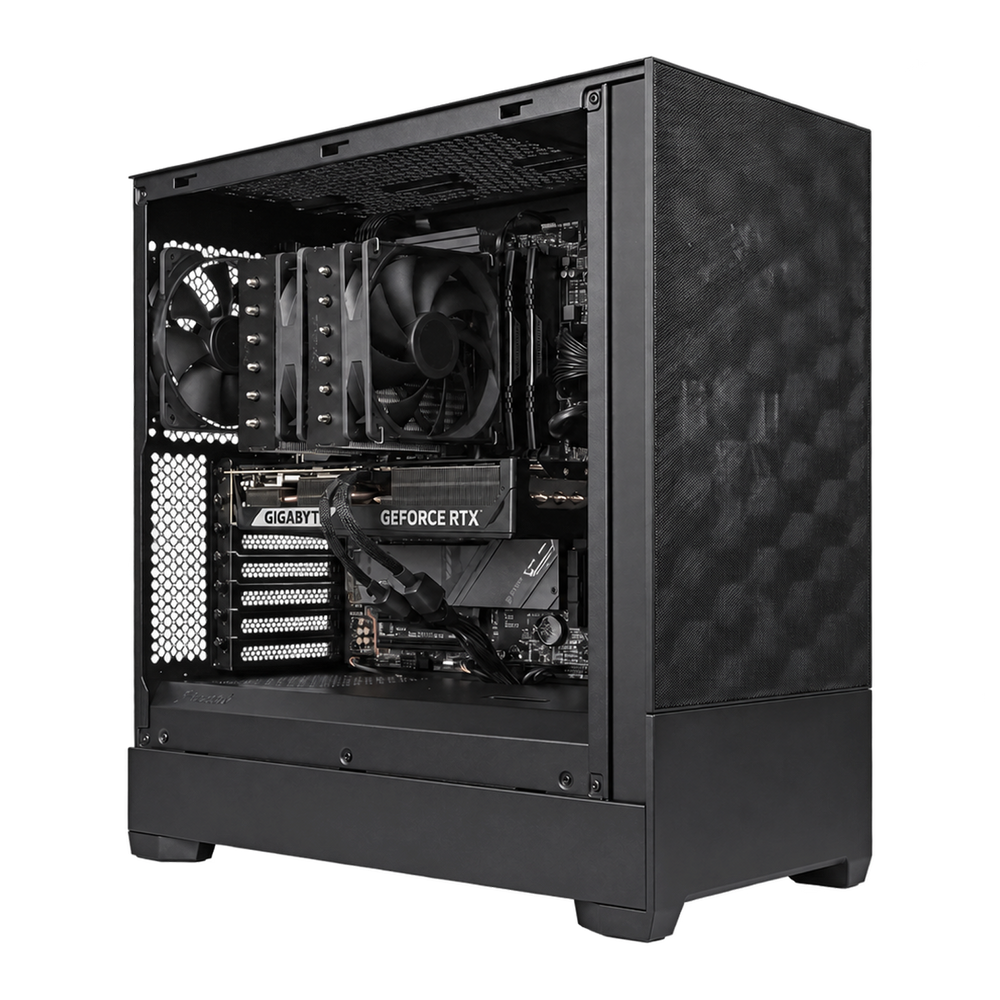
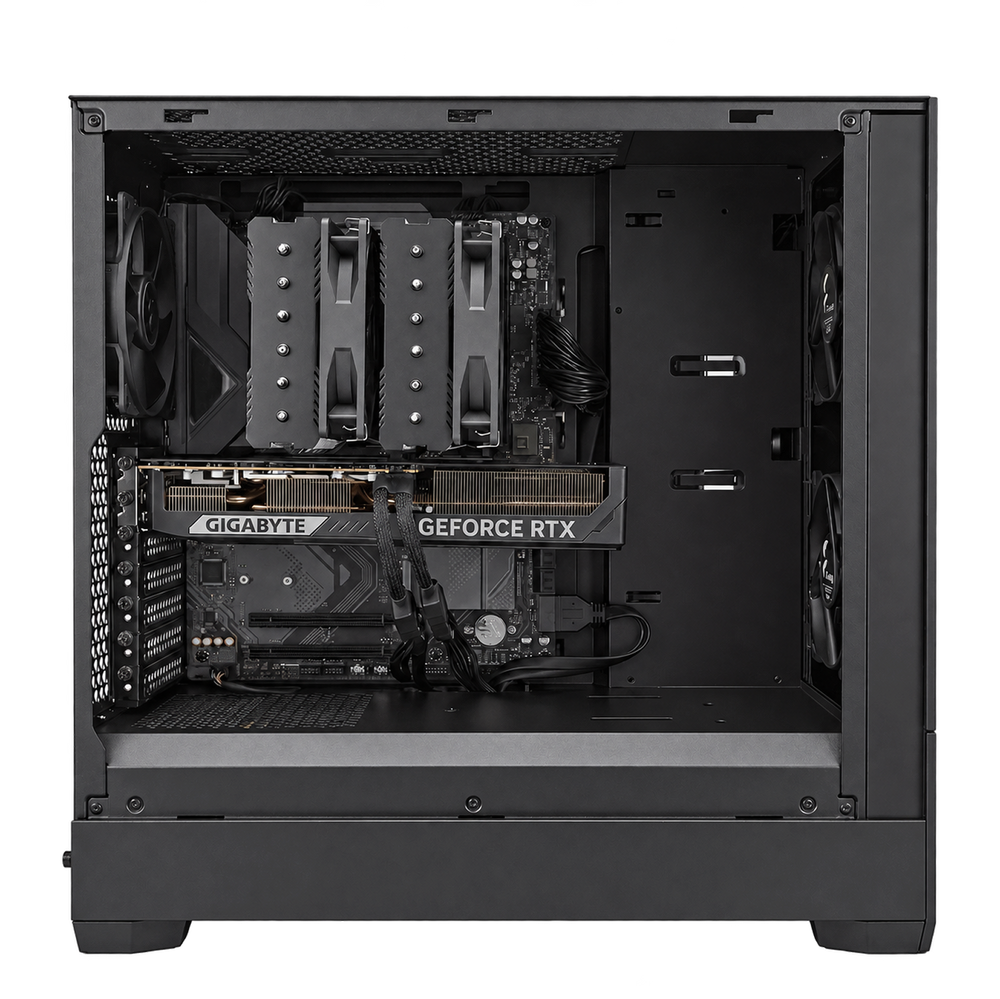
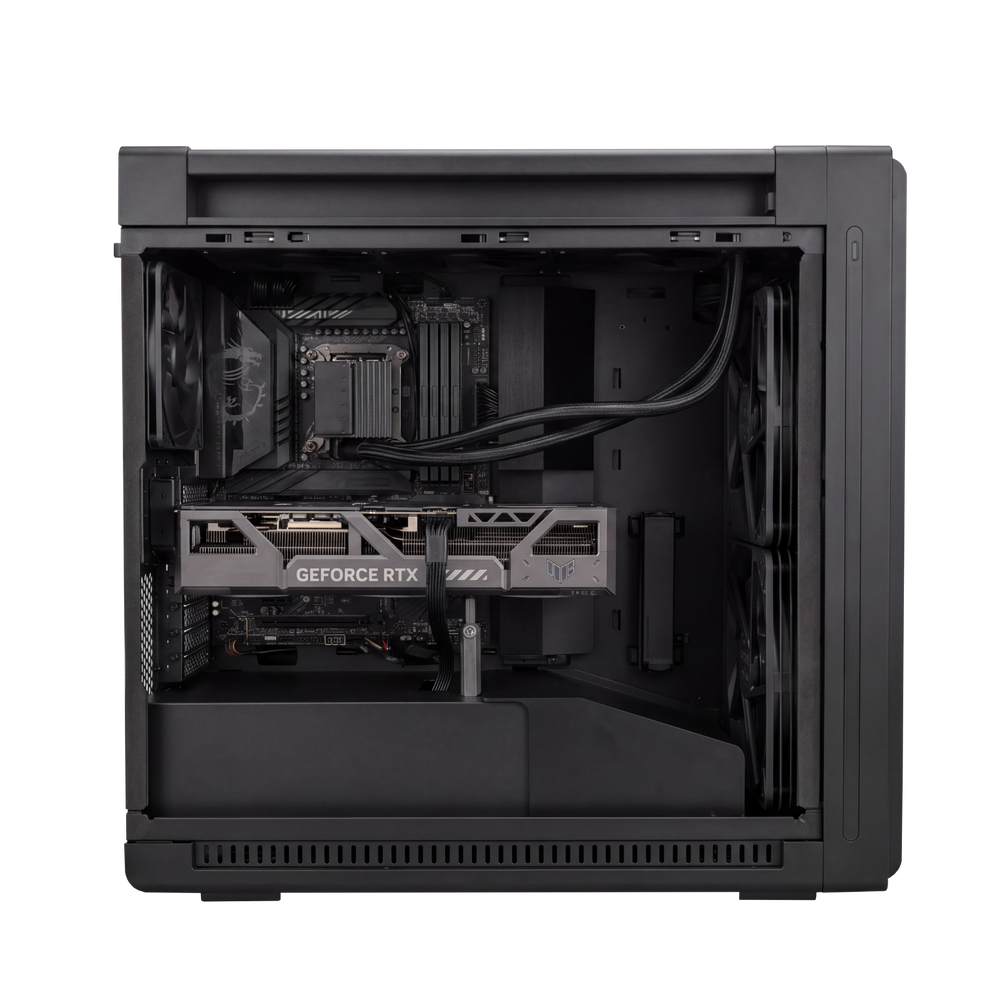
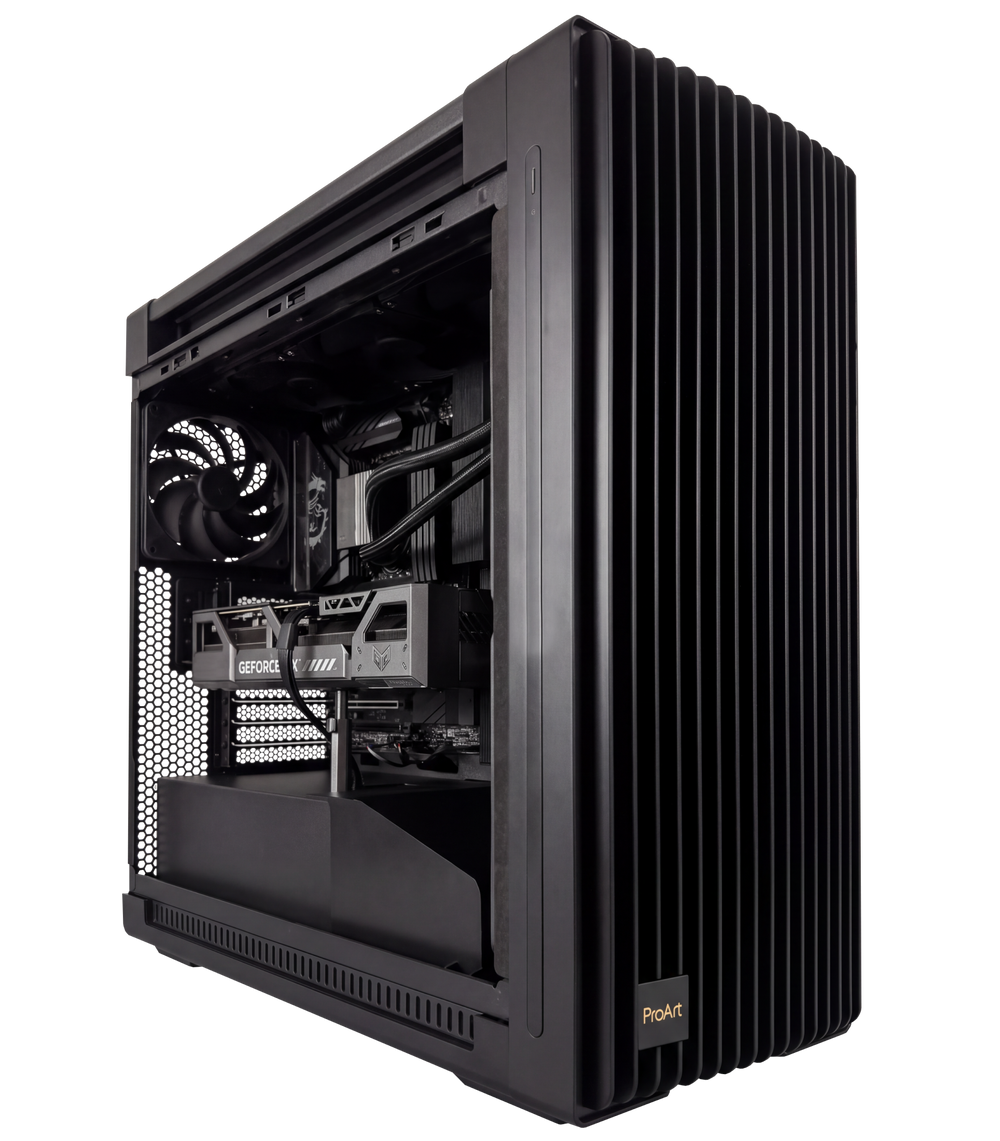

Our signature lineups ensure you get a PC with the best specs, at the level of performance that’s right for you.
A workstation computer is configured around demanding professional applications and sustained workloads. A regular desktop may suit office applications, browsing and everyday tasks. Workstation priorities depend on the job: CAD responsiveness, rendering throughput, video processing or AI model capacity can require different CPUs, graphics cards, memory and storage. Infinity Computers plans professional workstations around those requirements.
Start with your application names and versions, project sizes and the tasks that currently take too long. We use that information to compare CPU performance, GPU capability, memory capacity and storage requirements. Choose from our workstation configurations or submit a custom workstation request when your CAD, engineering, rendering or AI workflow needs a more specific specification.
Yes. Infinity Computers configures CAD and engineering workstations around the applications and project requirements you provide. Share your AutoCAD, Revit, SOLIDWORKS, simulation or other software details, including version, file sizes and peripherals. We can then review the relevant CPU, GPU, driver, RAM and storage requirements. Any required software certification should be identified and confirmed before purchase.
The right hardware depends on the rendering engine or editing application, media format and project complexity. CPU rendering, GPU rendering, timeline work and export tasks can stress different components. Describe your Blender, V-Ray, Adobe or other workflow so we can recommend a suitable balance of processor, graphics memory, system RAM and fast storage without assuming every creative application scales the same way.
Yes. We can plan an AI workstation around the models, frameworks and tasks you intend to run. Include whether you need inference, fine-tuning or training, along with model size and precision where known. GPU VRAM, system memory, storage, power and cooling all affect the configuration. We review compatibility and practical limits before confirming a custom AI workstation quote.
Workstation memory requirements depend on project size and application behaviour. System RAM and graphics card VRAM serve different purposes, so adding one does not automatically replace the other. Tell us about your datasets, scenes, CAD assemblies or editing projects. We can assess suitable capacities and expansion options instead of recommending the same memory specification for every professional workstation.
We can review multi-GPU and high-memory workstation requirements as part of a custom build. Software support, physical slot spacing, power delivery, cooling and platform capacity determine what is practical. Multiple GPUs do not automatically combine their memory or accelerate every application. Share your exact software and workload so we can confirm a configuration suited to the intended use.
Yes. Infinity Computers assembles, configures and tests workstation PCs before delivery. Testing is intended to check the finished hardware for stability and correct operation. If you need application-specific validation, BIOS requirements, particular drivers or acceptance testing for your business, include those requirements in the quote so the agreed scope is clear before the system is built.
We can discuss the operating system, software, displays, network connections and peripherals needed for your deployment. Domain setup, application installation, data transfer, remote support and on-site services should be scoped separately where required. Tell us about your IT environment and procurement requirements when requesting a workstation so we can include the appropriate configuration and service options.
New complete Infinity Computers workstations include a three-year limited hardware warranty and lifetime basic phone and email support for the original purchasing organization or individual. Specialized high-duty-cycle use may have terms set out in the accepted quote. Remote service, on-site support and managed IT services are separate where applicable. See our warranty and support terms.
FOR CANADIAN BUSINESSES
Get the equipment your business needs with flexible payment options through Questor Financial. Contact Jacob to discuss financing and leasing for your business and see if you qualify.

A business financing option, separate from consumer financing through Shop Pay.
Jacob Hagey
Business Development Manager
(905) 220-0011 jacobh@questorfinancial.com


