
Free economy shipping on all directly purchasable computers — no minimum

Keep the Workday Moving With Business PCs Sized for the Way Each Desk Works

Equip checkout counters, reception desks, clinics, and finance teams with Infinity Essential PCs sized for the apps and screens they use.

From $1,649.00 CAD

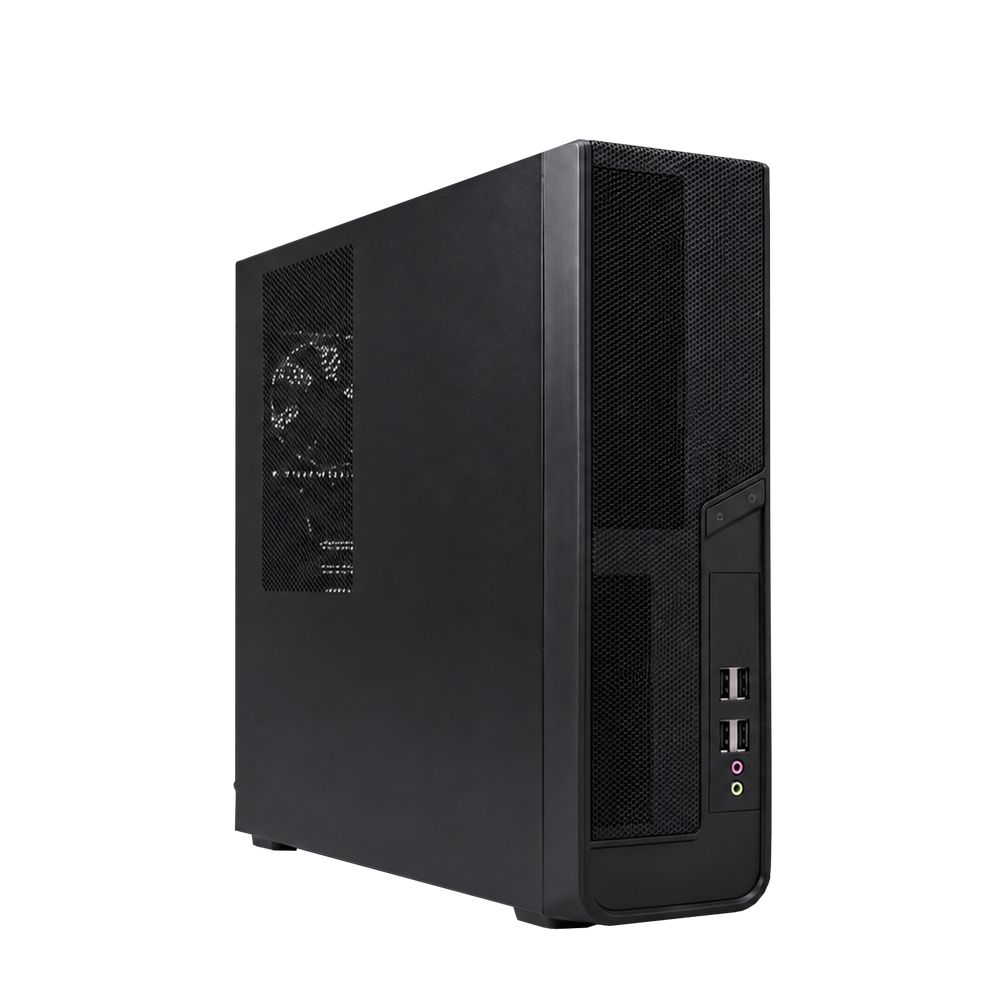
Infinity Essential slim business PC from a three-quarter angle

Trusted by businesses across Canada

Shopify logo
ASI Group logo
Best Buy logo
Dalhousie University logo
I.D.A. logo
PrintMore logo
Université Laval logo
Shopify logo
ASI Group logo
Best Buy logo
Dalhousie University logo
I.D.A. logo
PrintMore logo
Université Laval logo
Shopify logo
ASI Group logo
Best Buy logo
Dalhousie University logo
I.D.A. logo
PrintMore logo
Université Laval logo
Shopify logo
ASI Group logo
Best Buy logo
Dalhousie University logo
I.D.A. logo
PrintMore logo
Université Laval logo
Shopify logo
ASI Group logo
Best Buy logo
Dalhousie University logo
I.D.A. logo
PrintMore logo
Université Laval logo

Start With the Right Setup for Your Apps, Files, and Screens

Included

Windows 11 Pro

Across the lineup

Choose from

16–32GB

Standard DDR4 memory

Fast local storage

512GB–1TB

NVMe SSD, depending on model

Finance model

4 displays

Via Mini DisplayPort

Find the Infinity Essential PC That Fits the Work at Each Desk

Compare a compact single-screen checkout PC, a two-screen office setup, a clinic PC with more memory, and a four-display finance configuration. Each comes with Windows 11 Pro and can be ordered online.

Keep the Calendar Open While You Take Calls and Get Through Your Inbox

The Office / Reception configuration pairs a 10-core Intel Core i5 with 16GB of memory and a 1TB NVMe SSD. Set up two displays so you can keep the calendar or customer record open while you answer messages and take calls. The slim case leaves more room for the tools you use all day.

SHOP NOW
Vented side panel of the Infinity Essential slim desktop

Built for the way your team works

Give Each Team the Performance It Needs for the Tasks That Fill Its Day

Choose by the apps you run together, the displays you connect, and the amount of data you work with.

Keep the Checkout Line Moving

Choose POS / Kiosk for a single-screen counter, browser-based inventory, or a Windows-compatible kiosk. If you need a cashier and a customer display, choose Office / Reception and confirm your POS and peripherals with the provider.

Keep Reception Work in View

Use Office / Reception to keep bookings and customer records on one display while you handle Outlook, Teams, or a browser on the other. The Core i5 and 1TB SSD suit everyday office and front-desk work.

Keep Clinic and Client Work Organized

Choose Clinic / Professional for 32GB of memory when you work across practice-management apps, scanned files, and video calls. Ask us to check your vendor’s requirements and set up BitLocker if your deployment calls for it.

Reconcile Accounts With the Numbers in View

Keep Excel, Power BI, accounting software, and reference files visible on separate screens. Multi-Monitor / Finance gives you a Core i7, 32GB of RAM, and four Mini DisplayPort outputs.

Stay on the Call With Your Notes Open

Keep the meeting, the shared document, and your follow-up notes ready at the same time. Choose Office / Reception for routine calls or Clinic / Professional when you regularly switch among several demanding apps.

See the Whole Operation at Once

Put schedules, dispatch boards, or monitoring dashboards on separate displays with Multi-Monitor / Finance. Confirm screen connectors and any adapters before you order.

Find the Right Essential PC for the Office, Checkout, and Accounting Apps Your Team Uses

Explore common tools for office work, video calls, point of sale, and accounting.

Keep Your Spreadsheet, Dashboard, and Source Data in View Across Four Displays

Multi-Monitor / Finance uses a 20-core Intel Core i7, 32GB of memory, and an NVIDIA RTX A400 with four Mini DisplayPort outputs. Keep reports, source data, and communications in view while you work. Tell us which monitors you use so we can confirm the right cables or adapters.

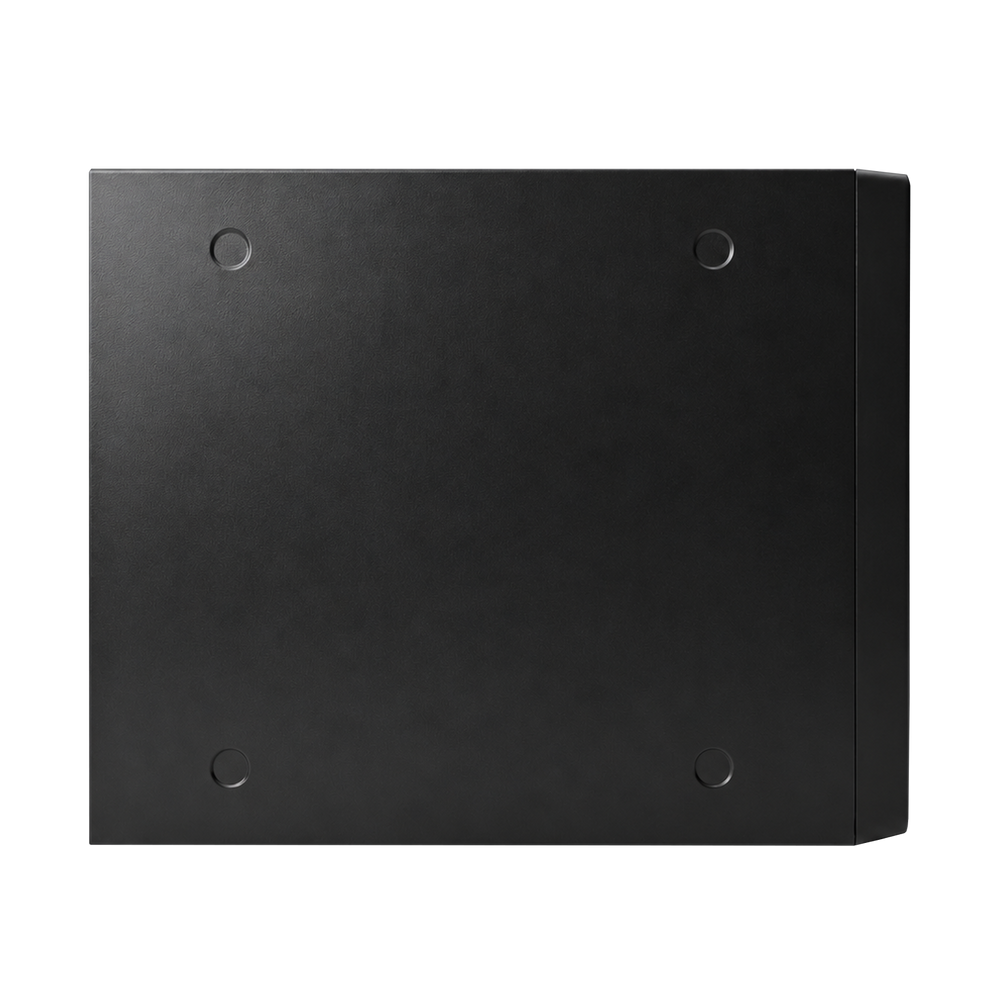
Solid side panel of the compact Infinity Essential business desktop

See Why Canadian Businesses Choose Infinity to Equip Their Teams

“He is knowledgeable on all matters IT”

“Dealing with Ryan was an absolute pleasure. He is diligent with his communications, knowledgeable on all matters IT, budget conscious, professional and polite.”

“Fast service, great communication, and good price”

“I had Ryan put together a business workstation. Fast service, great communication throughout the process, and a good price. Everything worked as intended. Highly recommend!”

“Even after the build, his support continues”

“Ryan is reliable, detail-oriented, and truly cares about delivering top-notch work. He consistently offers high-quality parts, fair prices, and goes the extra mile—often including bonus components.”

Get the Details Before You Choose PCs for Your Team

Which Infinity Essential configuration fits my team?

Choose POS / Kiosk for a single-screen counter or kiosk. Office / Reception is the two-screen setup for appointments, spreadsheets, and calls. Clinic / Professional adds 32GB of memory for more concurrent apps and larger files. Multi-Monitor / Finance adds a Core i7 and four dedicated display outputs.

How many monitors can I connect?

POS / Kiosk has one HDMI output. Office / Reception and Clinic / Professional are set up and tested for two monitors, with third-screen testing available by request. Multi-Monitor / Finance has four Mini DisplayPort outputs on the RTX A400. Confirm your monitor inputs and cable needs when ordering.

When should I move up from 16GB to 32GB?

Choose 16GB for day-to-day email, office documents, booking tools, and browser work. Choose 32GB for larger spreadsheets, more browser tabs, and several active apps at once. Clinic / Professional and Multi-Monitor / Finance include 32GB as standard.

Will it work with my POS, clinic software, or peripherals?

Confirm the vendor’s Windows requirements, display needs, and connections before ordering. Browser-based dashboards and Windows-compatible POS clients are common use cases. For a receipt printer, scanner, serial device, or clinic application with specific requirements, send us the model or software name so we can review it with you.

What software and connectivity are included?

The standard configurations include Windows 11 Pro, 2.5Gb Ethernet, Wi-Fi 6, and Bluetooth. Microsoft 365, accounting and practice-management subscriptions, and peripherals are separate. Ask for BitLocker setup if required by your deployment.

How long does it take to ship?

Infinity Essential PCs are built to order and typically ship in 7–10 business days. Ask us to confirm lead times for larger orders, optional upgrades, or a phased deployment.

What warranty and support come with the PC?

Each configuration includes a 3-year hardware warranty and lifetime technical support from the team that builds and tests it. Contact us if you need help choosing a configuration or checking compatibility before placing an order.

Equip Every Desk With the Right PC and Give Your Team a Smoother Rollout

Tell us how many stations you need, which apps they run, and which monitors or peripherals you want to keep. We’ll help you choose a configuration for each role and confirm the options, quantities, and lead times before you order.

REQUEST A QUOTE
Front panel and ports of the Infinity Essential slim desktop

Get Lifetime Technical Support From the Team That Built Your Business PC

Talk to us about choosing the right setup, getting connected, or getting back to work when you need help.

Email Us

Email Us

info@infinitycomputers.ca

EMAIL NOW
Book a Consultation

Book a Consultation

1-on-1 video call

BOOK NOW
Call Us

Call Us

+1 (365) 297 4240

CALL NOW